
GPT Image 2.5 features for image generation
GPT Image 2.5 Flare for speed, GPT Image 2.5 Sunburst for control
Two GPT Image 2.5 paths: Flare and Sunburst
Use GPT Image 2.5 Flare when you need faster visual options. Use GPT Image 2.5 Sunburst when bilingual copy, layout, and output control have to stay tighter.
GPT Image 2.5 production stills
Turn a brief into reviewable stills for campaigns, product pages, and publishing calendars.
GPT Image 2.5 Sunburst
A more directed path for bilingual posters, product stills, and layouts that need clearer text and format choices.
GPT Image 2.5 Flare
A faster path for daily drafts, social variants, and campaign exploration before a heavier production pass.
What GPT Image 2.5 is built to do
GPT Image 2.5 covers everyday stills, then splits into GPT Image 2.5 Flare for faster drafts and GPT Image 2.5 Sunburst for more directed layouts.
A clear GPT Image 2.5 brief
Describe subject, scene, lighting, and copy so the first still is easier to judge before you iterate.
Readable on-image text
GPT Image 2.5 Sunburst is the tighter path when posters, labels, and bilingual layouts need the copy to stay reviewable.
Faster GPT Image 2.5 Flare drafts
Explore more social posts, product concepts, and campaign variants before committing to a heavier production pass.
Reference-guided stills
Add reference images when identity, product look, or composition has to stay closer to an existing direction.
Delivery-ready resolution
Generate stills for review, publishing, and commercial handoff without treating the first draft as the final file.
One GPT Image 2.5 workspace
Move between text-to-image and reference-guided work in the same family instead of splitting the brief across unrelated tools.
GPT Image 2.5 creation paths
Choose the GPT Image 2.5 path that matches the brief: a general still, a faster Flare draft, or a more controlled Sunburst layout.
GPT Image 2.5 text-to-image
Write the subject, scene, lighting, and any on-image copy. GPT Image 2.5 turns that brief into a still you can review, refine, and reuse across channels.
Try GPT Image 2.5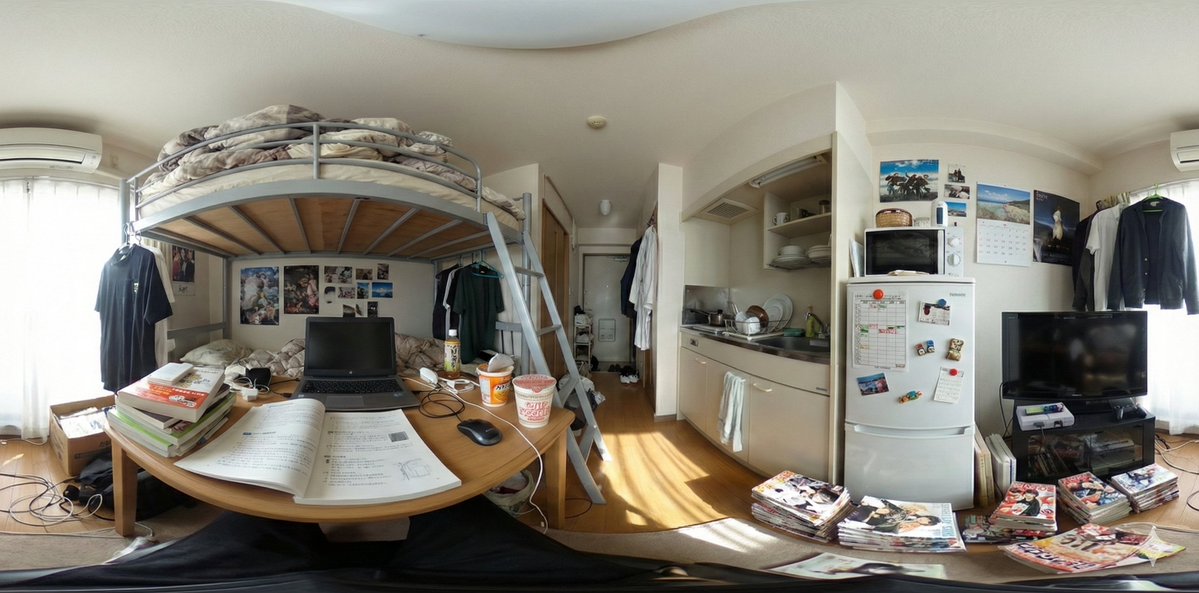
GPT Image 2.5 Sunburst control
GPT Image 2.5 Sunburst is the more directed path for bilingual posters, product stills, and layouts that need clearer text, size, and format decisions.
Open Sunburst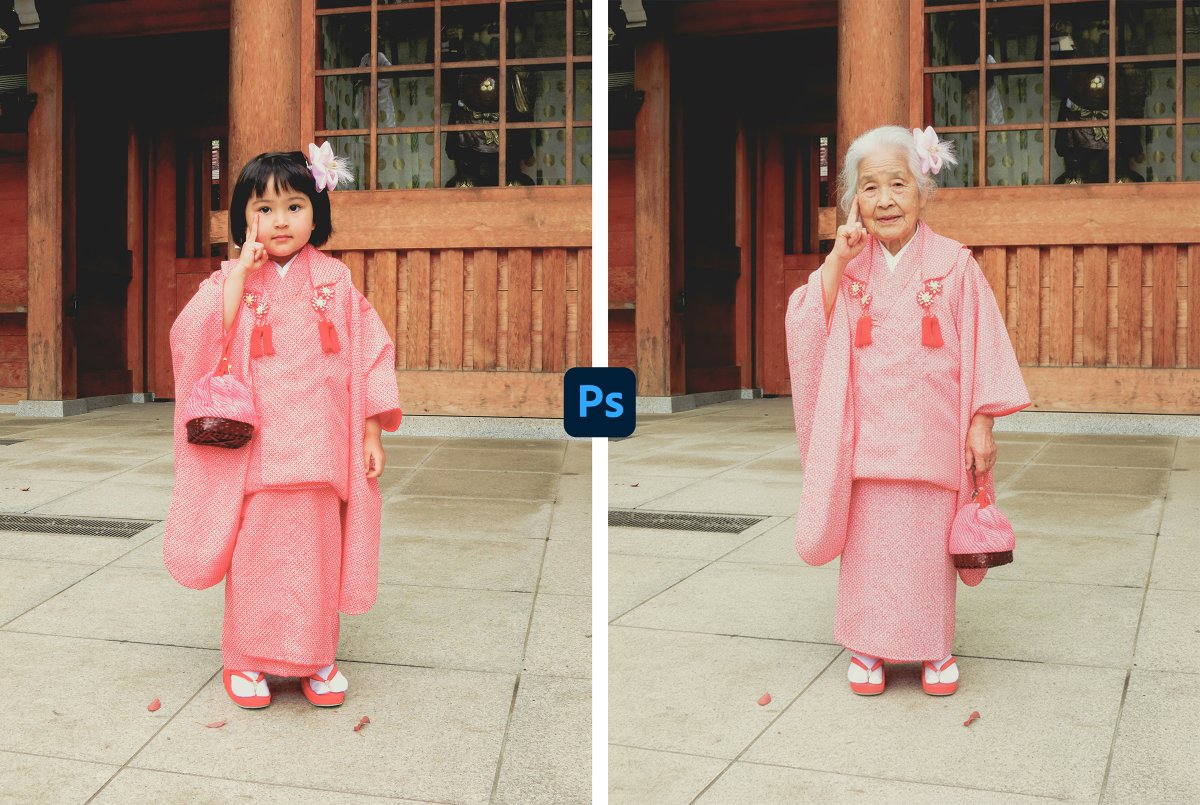
GPT Image 2.5 Flare drafts
GPT Image 2.5 Flare is built for everyday image volume: social posts, product concepts, and campaign variants you can iterate before a heavier production pass.
Open Flare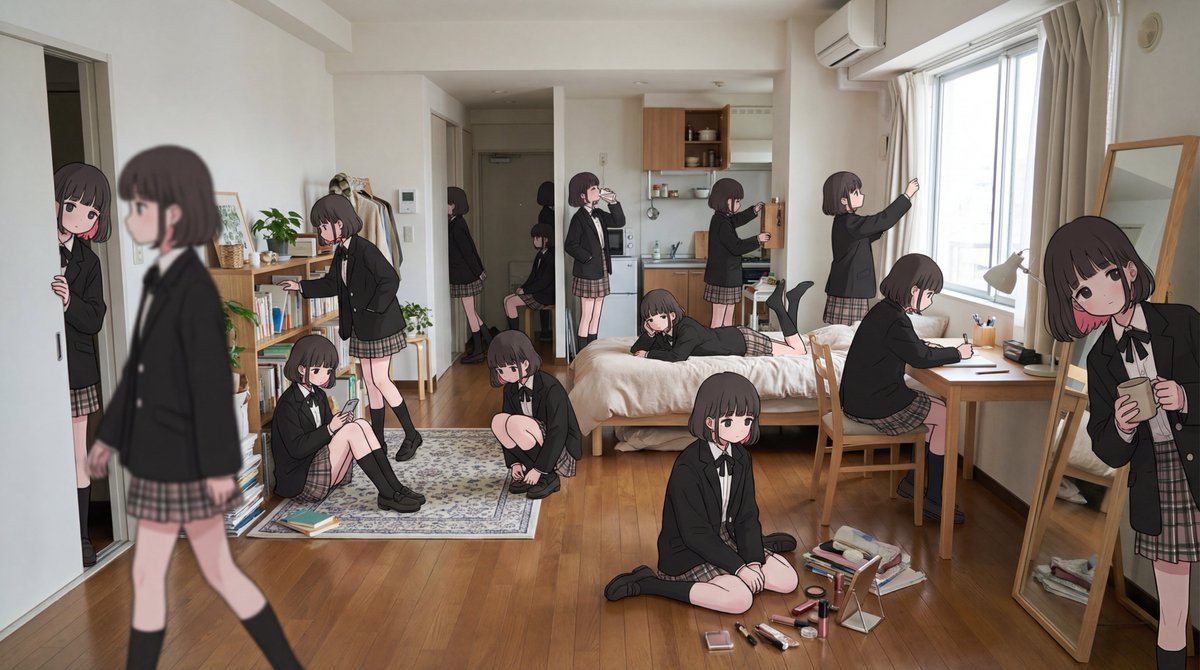
From brief to usable stills
GPT Image 2.5 covers the steps after the first image: series consistency, reference control, file handoff, and team reuse.
Keep a series consistent
Hold a subject, outfit, or product look steady across a GPT Image 2.5 set so campaign frames stay usable together.
View FAQPrompt and reference workflows
Start from text, add reference images when style or composition matters, then generate the next version in the same GPT Image 2.5 workspace.
See workflowsHandoff-ready stills
Export images for review, publishing, and commercial use. Check plans when you need more volume from GPT Image 2.5, GPT Image 2.5 Flare, or GPT Image 2.5 Sunburst.
View plansHow GPT Image 2.5, Flare, and Sunburst fit together
Start with GPT Image 2.5, then choose GPT Image 2.5 Flare for faster drafts or GPT Image 2.5 Sunburst for tighter layout and copy control.
GPT Image 2.5 briefs
Describe the still you need, then iterate without leaving the image family.
Text to image
GPT Image 2.5 Flare
A faster path for social posts, product concepts, and campaign variants.
Daily drafts
GPT Image 2.5 Sunburst
A more directed path for bilingual copy, posters, and output format choices.
Layout control
Reference-guided stills
Add source images when identity, product look, or composition has to stay closer to an existing direction.
References
Reviewable text
Keep headlines, labels, and bilingual lines readable enough to check before publishing.
On-image copy
Commercial handoff
Export stills for review, publishing, and team reuse across GPT Image 2.5 workflows.
Delivery
Why teams use GPT Image 2.5
Pick GPT Image 2.5 Flare for faster drafts or GPT Image 2.5 Sunburst when layout and bilingual copy need a tighter pass.
GPT Image 2.5 for everyday stills
Start with a written brief, review the first still, then iterate in the same GPT Image 2.5 family instead of restarting in another tool.
Try GPT Image 2.5GPT Image 2.5 Flare when speed matters
Use GPT Image 2.5 Flare for social posts, product concepts, and campaign variants that need more options before a heavier production pass.
Open FlareGPT Image 2.5 Sunburst when control matters
Use GPT Image 2.5 Sunburst for bilingual posters, product stills, and layouts that need clearer text, size, and format decisions.
Open SunburstContinue with GPT Image 2.5
Open the GPT Image 2.5 workspace, or compare GPT Image 2.5 Flare and GPT Image 2.5 Sunburst.
Start from a prompt or reference image in the main GPT Image 2.5 workspace.
GPT Image 2.5Open the faster GPT Image 2.5 path for drafts, social variants, and campaign exploration.
GPT Image 2.5 FlareOpen the more directed GPT Image 2.5 path for bilingual layouts, posters, and output control.
GPT Image 2.5 Sunburst