
Cinematic clips through Wan 3.0
The Wan 3.0 AI video generator converts prompts, keyframes, and media references into Standard or Pro clips with exact timing.
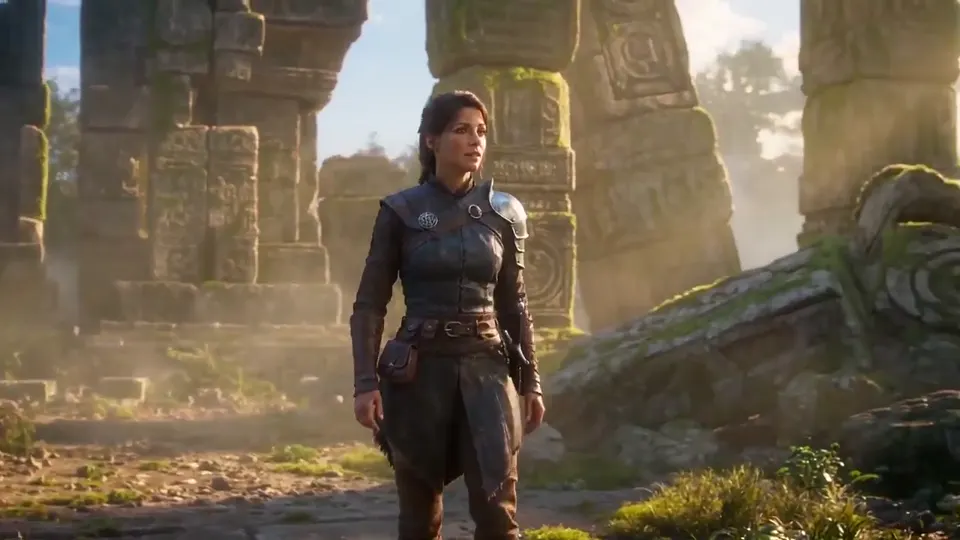
Wan 3.0 Video Generator
Direct cinematic motion with Standard or Pro quality, precise duration, and multimodal references.
Videos and tasks


Key facts for Wan 3.0
Pick any whole-second length
Prompt, keyframes, or mixed media references
Standard and Pro share this resolution span
Align credits and quality with the job
Wan 3.0 AI video accepts three input paths
Pick a single input route, then tune length, framing, and audio while you work.
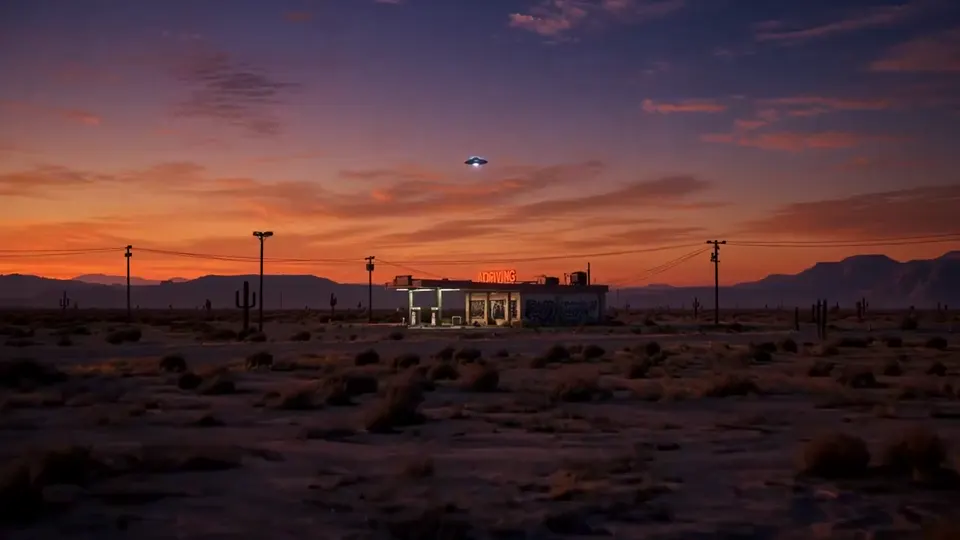
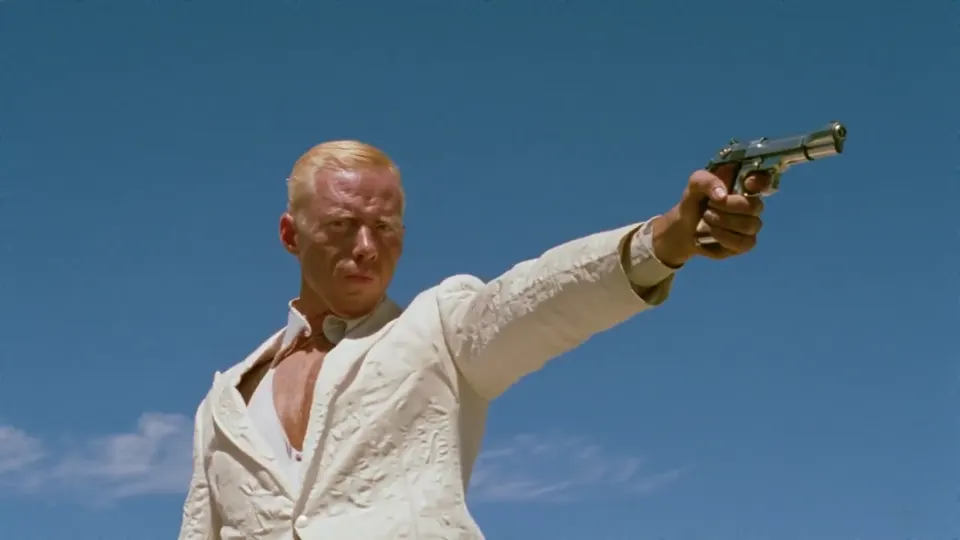
Spell out the shot
Detail the setting, subject motion, camera path, timing, and the sound you want.
Place keyframes
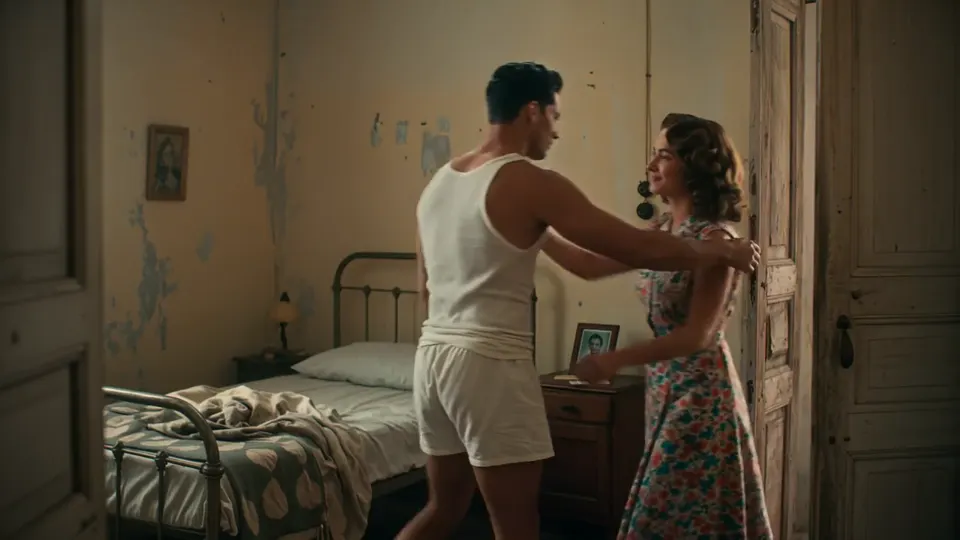
Steer the opening, the close, or both with a first frame, a last frame, or the pair.
Steer with references
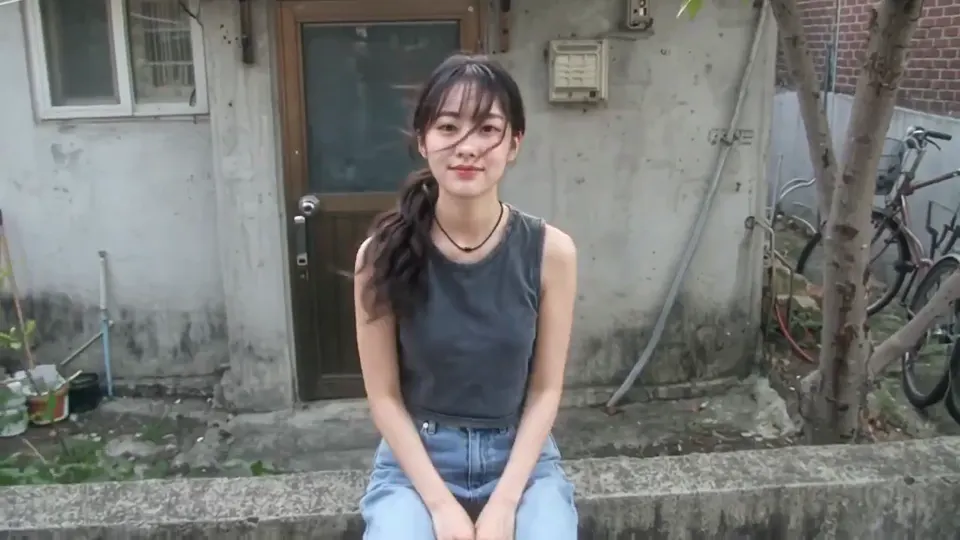
Mix supported stills, clips, and audio into a denser creative brief.
Wan 3.0 Standard vs Pro AI video
Precise 2 to 30 second timing is available on both tiers. Rates shown are minimums; check the live generator estimate before you start.
Standard
- Resolutions offered
- 480p, 720p, 1080p
- Lowest credit rates
- 8, 16, 32 credits/sec
- Suited to
- Everyday production, social drafts, and quick iteration
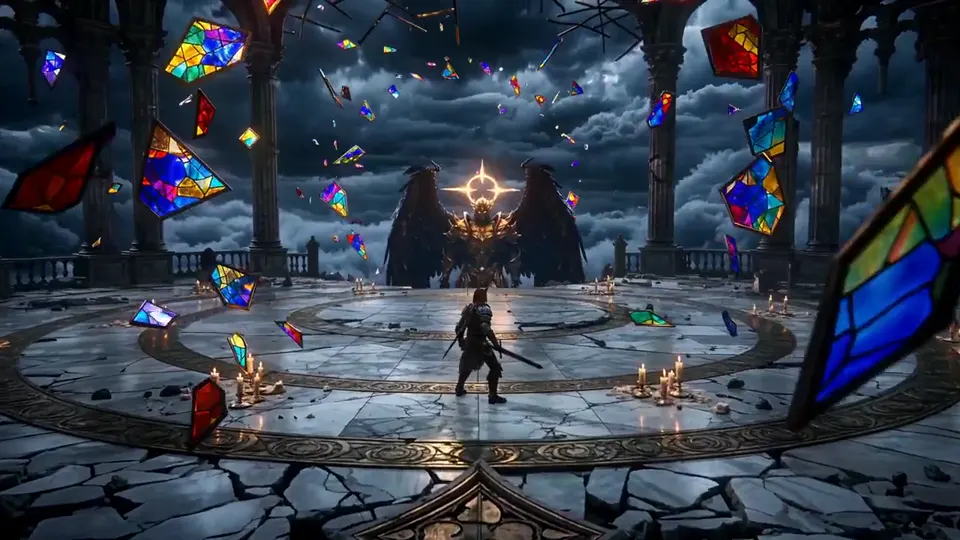
Pro
- Resolutions offered
- 1080p, 2K, 4K
- Lowest credit rates
- 29, 32, 36 credits/sec
- Suited to
- Detail-critical delivery and high-resolution masters
Assemble a reference-led Wan 3.0 AI video brief
Give every reference a job so visual and audio direction stay readable.
- 1
Pick source files
Gather stills, clips, or audio that set look, motion, or rhythm.
- 2
Give each file a role
Keyframes handle composition; mixed references cover broader look or sound.
- 3
Tighten the prompt
State what must stay consistent and what should shift across the shot.
Steps for a Wan 3.0 AI video
Decide the creative direction first, then reserve credits.
- 01
Pick the input path
Begin with text, keyframes, or supported media references.
- 02
Choose quality and length
Select Standard or Pro, then resolution and a whole-second length from 2 to 30.
- 03
Confirm the credit estimate
Inspect the live credit estimate before you submit the clip.
- 04
Generate, then download
Follow the job in results, inspect the finished clip, and download it.
Questions on the Wan 3.0 AI video generator
Straight answers on inputs, duration, quality, credits, and reference caps.
An AI video model, Wan 3.0 builds clips from text, keyframes, and mixed media references at Standard or Pro quality.
A text prompt, first or last keyframes, or supported image, video, and audio references can drive the shot.
Any whole-second length from 2 to 30 seconds is allowed. The generator checks that length before submission.
Standard offers 480p, 720p, and 1080p. Pro offers 1080p, 2K, and 4K with a different published per-second credit schedule.
Tier, resolution, and duration drive the credit estimate. The live figure is visible before generation begins.
Reference mode takes up to 10 images, 5 video clips, and 5 audio files. Video references can total up to 15 seconds, and audio references can total up to 15 seconds.
Place Wan 3.0 beside other AI video models
Look at nearby workflows for long takes, multimodal direction, and fast cinematic generation.
Your next AI video can start in Wan 3.0
Begin from a prompt or reference, pick the matching quality tier, and inspect the live credit estimate.